Create a habit rule
Every habit in Fyncora is one sentence — do at least X, or stay under X, per day, week or month — and that sentence is what gets measured.
Updated Jul 30, 2026
On this page
Most habit trackers only do streaks of "did it / didn't". Fyncora asks for a rule instead, because the interesting habits have a number in them: at least three gym sessions a week, no more than €40 of coffee a week, under four drinks a week.
The two kinds of rule
Do at least — a minimum you want to reach. Reaching it in the window is a success.
Stay under — a maximum you don't want to exceed. Staying at or below it is a success.
Each rule has a threshold (the number), a unit (what you're counting), and a window (a day, a week or a month). That's the whole model.
Create a habit
- Open Plan → Habits.
- Select New.
- On the Manual tab, enter a Habit Name.
- Under I want to…, choose Do at least or Stay under.
- Enter the number, pick a unit, and choose per day, per week or per month.
- Check the Preview line, then select Create Habit.
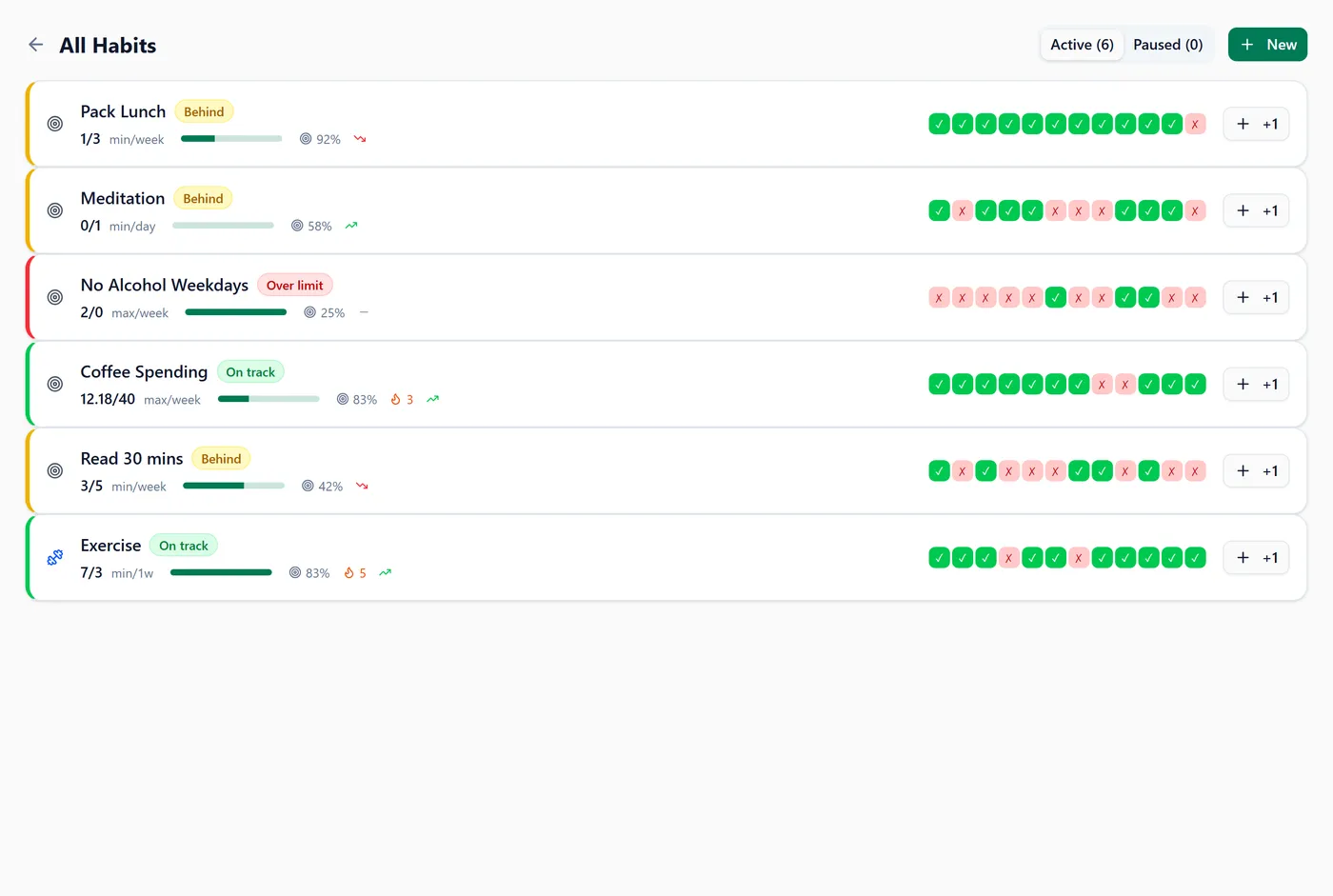
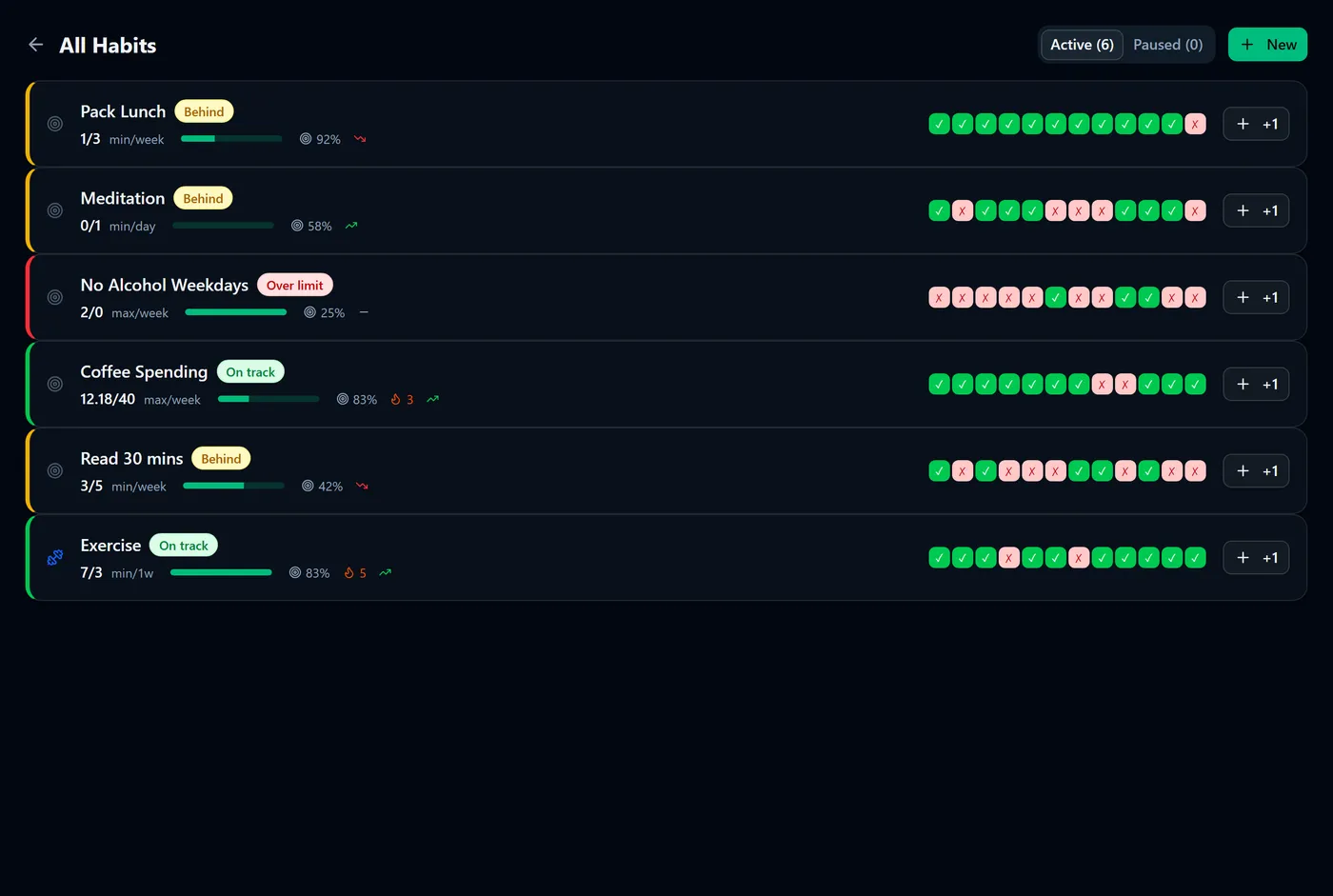
You'll see the habit in the Active list with a progress figure like 2 / 3 this week and a coloured status.
Tip: the Preview box spells your rule back to you — "Gym: At least 3 sessions per week". If that sentence doesn't read like what you meant, fix it before saving.
Let Fyncora draft the rule
If you'd rather type the sentence than fill in fields, use the AI Parse tab:
- Select New, then the AI Parse tab.
- Type the habit in plain English — "Limit coffee spending to €40 per week".
- Check the suggestion, then select Use This.
- Adjust anything on the Manual tab and select Create Habit.
You'll see the name, rule type, number, unit and window already filled in for you. Common phrasings work best; the chips under Try these: show the shape it recognises most reliably — coffee 40/week, gym 3x/week, max 4 beers, read 30 min daily, pack lunch, water 8 glasses.
Choose a unit that matches how you'll log
The unit list covers counting (times, sessions, steps, pages, glasses, drinks, beers, meals), time (minutes, hours), and money (currency, which shows as your currency symbol).
The unit decides what a log entry means. A habit measured in times counts visits; a habit measured in currency counts money, so logging it means entering an amount rather than tapping once.
Warning: a money-unit habit is not connected to your transactions by choosing that unit. It counts what you log by hand. To price a habit from real spending, link it to a category — see How habit price tags work.
Calendar or rolling windows
Under Advanced options, Window Mode decides when the count resets:
- Calendar — the window is the current day, week or month, and it resets at the start of the next one. Weeks run Monday to Sunday. Best for anything you think of as "this week".
- Rolling — the window is the last day, week or month counting back from right now, so it never resets. Best for limits you don't want to game by waiting for Monday.
Note: on a rolling Stay under habit that has hit its limit, the habit page shows a Next allowed time — the moment the oldest entry drops out of the window and you're under the limit again.
Editing, pausing and deleting
Open the habit and use Edit Habit to change the rule, Pause Habit to stop it appearing in the active list, or Delete Habit to remove it.
Warning: deleting a habit permanently removes it and every entry you ever logged against it, and that can't be undone. If you only want it out of the way, pause it instead — paused habits keep their history and appear under the Paused tab.
FAQ
Can I change a rule after logging against it? Yes, and past entries are kept. Success rates and streaks are recalculated against the new rule, so history may look different afterwards.
Can I have a habit with no number? No — a threshold above zero is required. For a simple did-it-or-not habit, use Do at least 1 time per day.
What's the Metric Key under Advanced options? An internal identifier, generated from the name. You can leave it alone.
Does a habit have to be about money? Not at all. Exercise, reading, sleep and water habits work the same way; the money link is optional.
Was this helpful?