Track budgets and pace
Read the budget cards, understand what "ahead of pace" means, and see where the month's money actually went.
Updated Jul 30, 2026
On this page
A budget that only tells you the answer on the last day of the month is useless. The Budgets page is built around pace: not just how much you've spent, but whether that's too much for how far into the month you are.
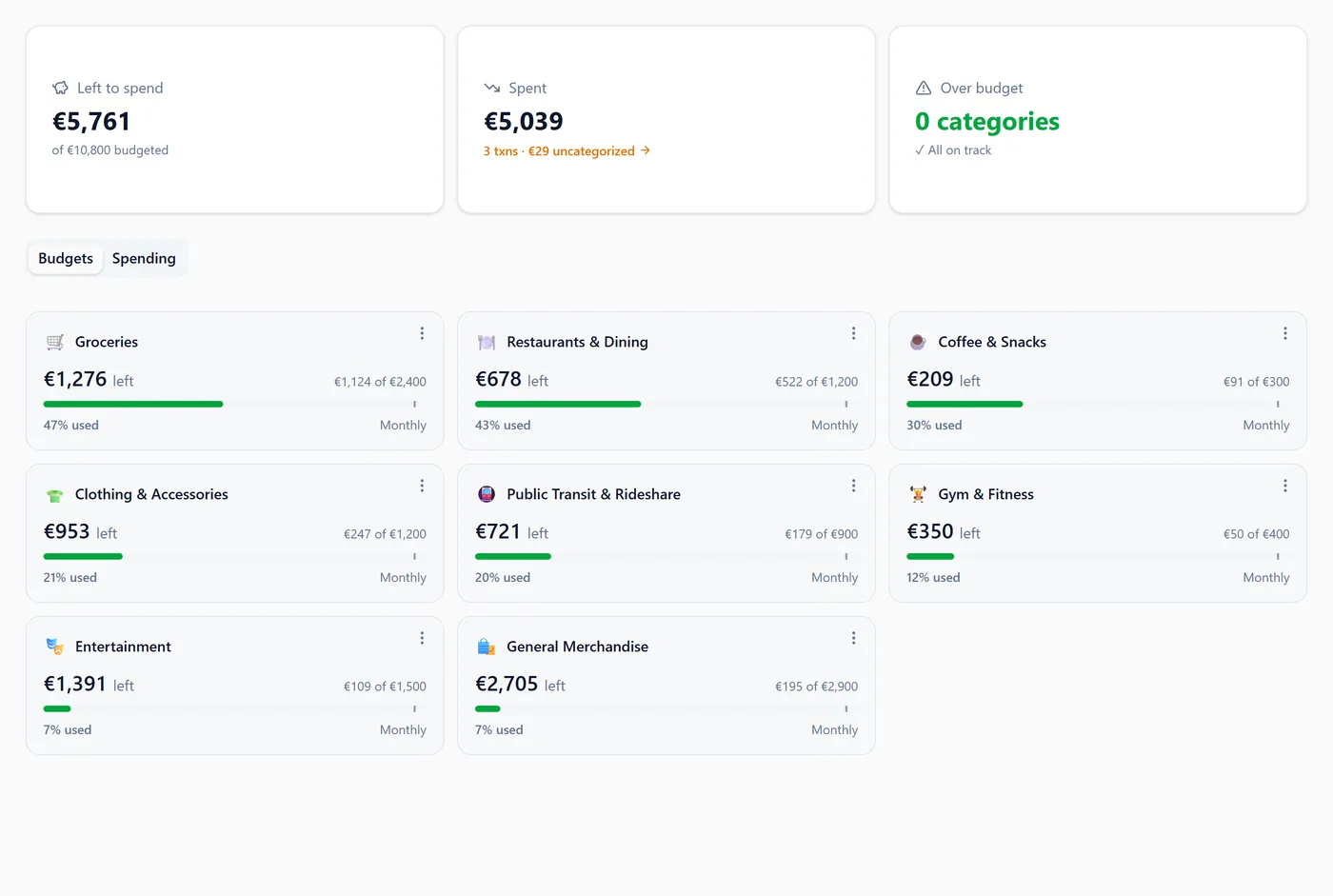
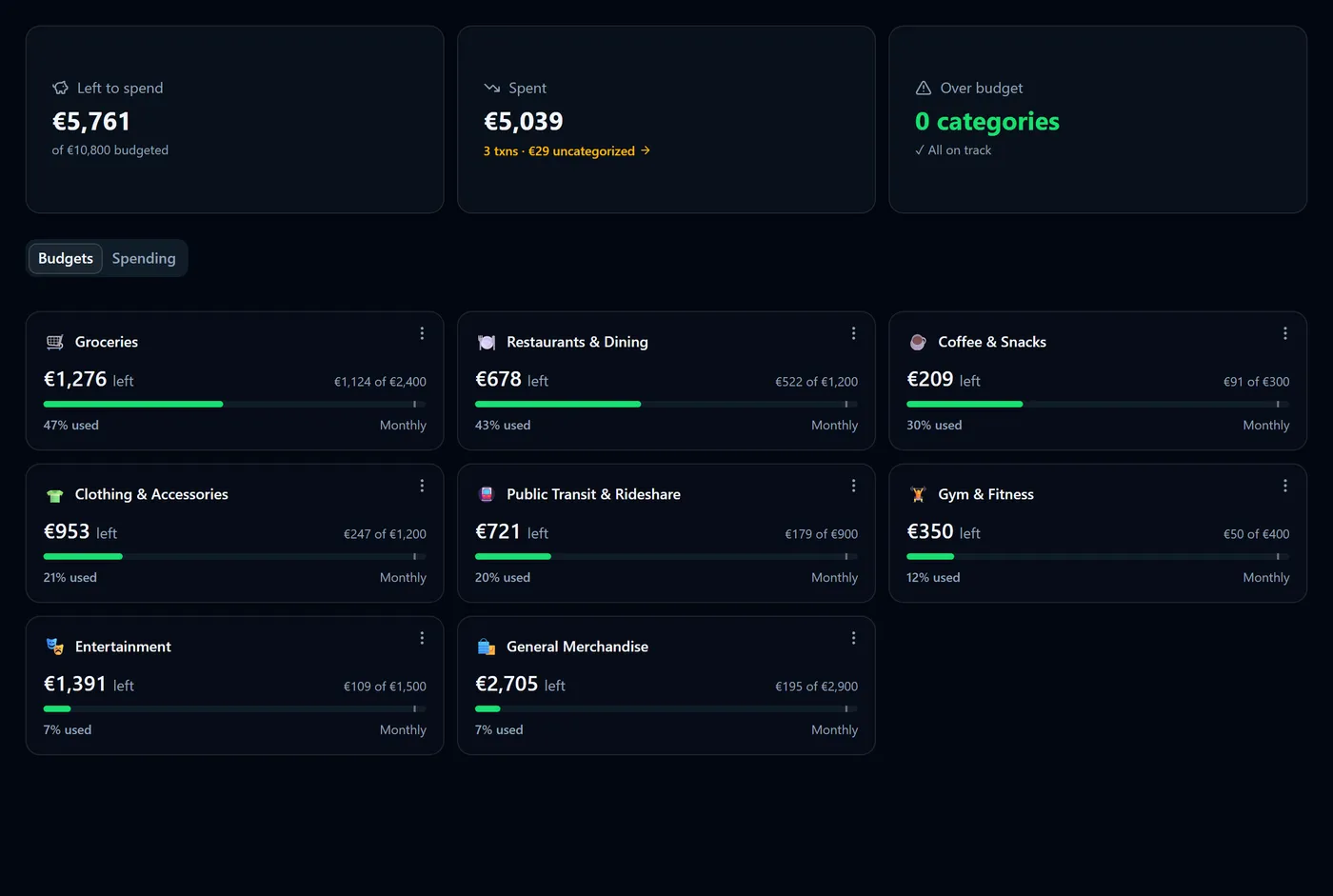
The three tiles
Across the top:
- Left to spend — everything you've budgeted, minus everything you've spent this month. It also shows the total budgeted underneath.
- Spent — all expenses in the month. This includes spending in categories you haven't budgeted, plus a link to any uncategorized transactions.
- Over budget — how many categories have passed their limit.
Note: Spent is usually larger than the sum of your budget cards, because it counts every expense in the month — budgeted or not. That's deliberate: it's the honest total.
Reading a budget card
Each card leads with what's left rather than what's gone:
| Card reads | Meaning |
|---|---|
| €185 left | An expense limit with room remaining |
| −€54 over | An expense limit you've passed |
| €500 to go | An income target you haven't reached yet |
| over target | An income target you've exceeded — good news |
Below the headline sits the quieter spent-of-limit line, then a progress bar with a small today marker showing how far through the month you are. When you're spending faster than that marker, the card adds a line projecting where you'd finish at this rate.
Cards are ordered by how much they need your attention — over budget first, then ahead of pace, then everything calm — and by how much of the limit is used within each group.
What "pace" actually measures
Pace compares the share of your budget you've used against the share of the month that has passed. On the 15th of a 30-day month, half the month is gone, so spending more than half your limit puts you ahead of pace.
For an expense limit:
- Over — you've spent more than the limit. Shown in red.
- Ahead of pace — still within the limit, but spending faster than the month is passing. Shown in amber, as a warning before it turns red.
- On track — at or under the expected share.
For an income target the logic inverts, because earning more is the goal:
- Target met — you've earned at least the target.
- On track — earning at or above the expected share.
- Behind — below the pace needed to reach the target.
Tip: early in the month, a single large annual-ish purchase will show as ahead of pace even though you're fine. Read the projection line as a question, not a verdict.
Other months
Use the month selector in the header to move between months. A past month is complete, so it's measured against the whole month rather than a pace marker — no month is ever judged as "ahead of pace" after it has ended.
Weekly and yearly budgets
Cards compare everything on a monthly footing: a weekly budget is multiplied by 52 and divided by 12, and a yearly budget is divided by 12. A yearly budget additionally tracks its year-to-date position, which is the number that matters for costs that arrive once a year.
See where the money went
Select the Spending tab for the month's spending by category, whether or not it's budgeted: a donut of the largest categories with the rest folded into "Other", and a ranked list underneath with each category's change against last month.
Selecting a category — from a budget card, a donut slice or a list row — opens its detail panel with that category's trend, its transactions and its top merchants.
What is never counted
- Transfers between your own accounts. Moving your own money isn't spending, and never counts against a budget.
- Accounts with Include in Budgets/Cash Flow switched off — which is the default for investment, real estate, vehicle and other-asset accounts.
FAQ
My card says ahead of pace but I'm under budget — is something wrong? No. Ahead of pace means the rate would take you over if it continued, while you're still within the limit. It's an early warning.
Why isn't my spending against a budget? Either the transaction has no category, or its category has no budget, or its account is excluded from budgets and cash flow.
Do budget figures convert between currencies? Budget totals are shown in your base currency, and amounts on foreign-currency accounts are converted before being counted, so those totals are approximate. See How multi-currency works.
Where do I change or remove a limit? Use the menu (⋮) on the card for Edit or Delete. Deleting a budget never deletes transactions.
Was this helpful?