Create a financial goal funded by real accounts
Link a goal to the accounts that actually hold the money, so progress updates itself instead of asking you to remember what you saved.
Updated Jul 30, 2026
On this page
A savings goal in Fyncora isn't a number you top up by hand. You point it at the accounts that hold the money, and progress follows the balances. Nothing to log, nothing to keep in sync.
Create the goal
- Open Plan → Goals.
- Select New Goal.
- Choose Save Up.
- Enter a Goal Name and a Target Amount, and a Target Date if you have a deadline.
- Under Link Accounts, tick the account or accounts where this money sits.
- Select Next to review, then Create Goal.
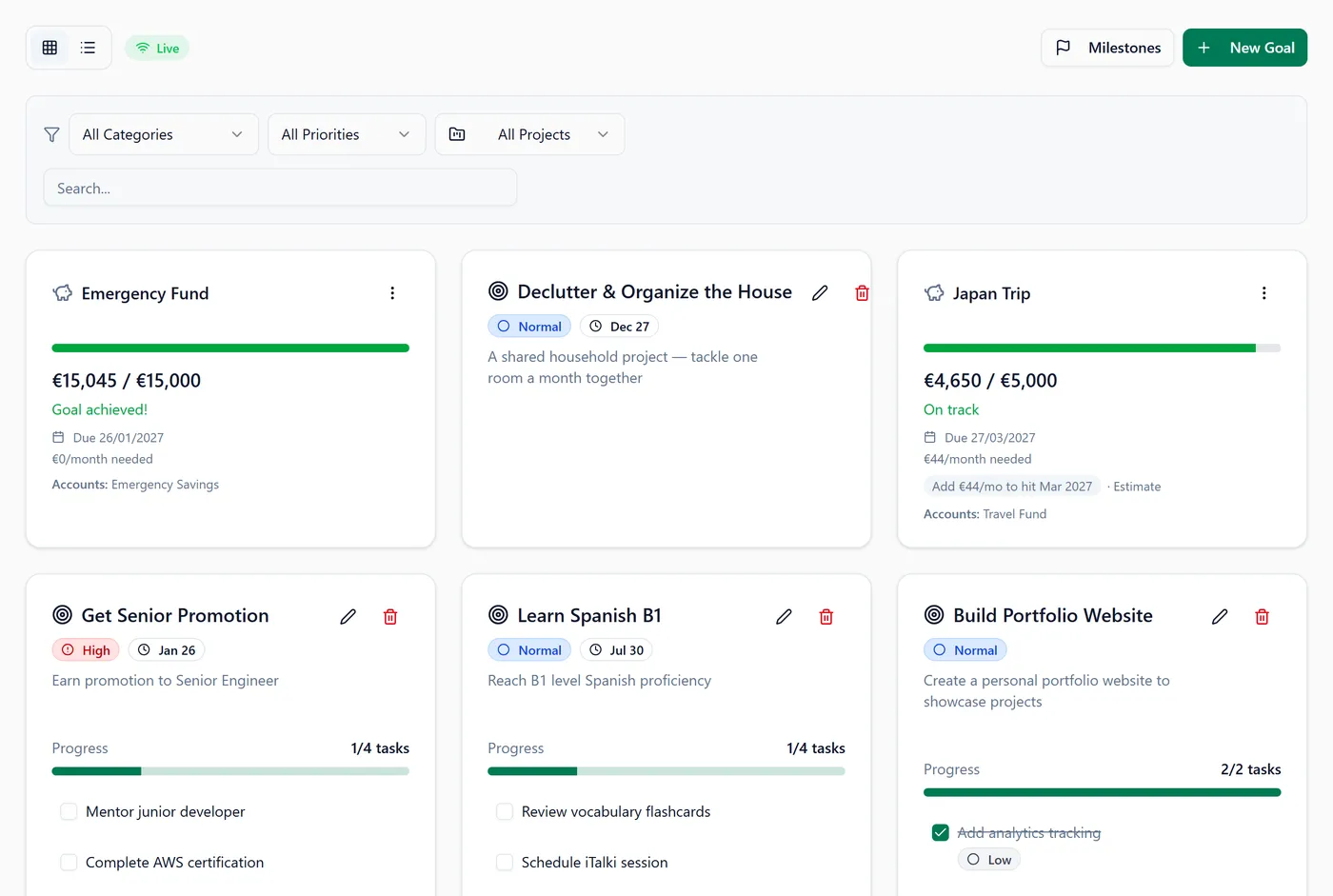
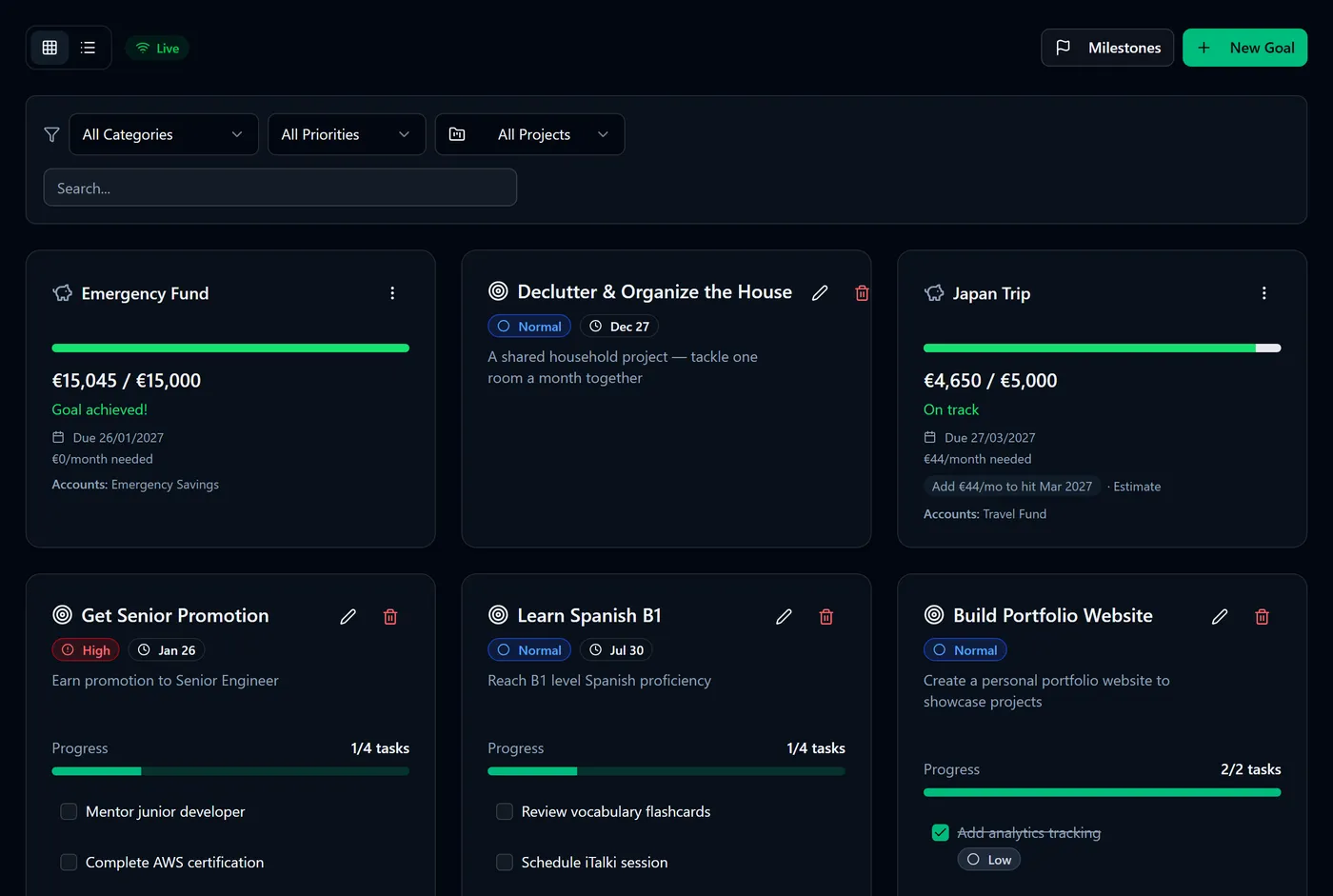
You'll see the goal on Plan → Goals with its progress bar already filled in from the linked balances — no first contribution needed.
Tip: the deadline is optional, but without one Fyncora can only tell you how far along you are. With one, it can also tell you how much per month it will take.
Decide how much of an account counts
One account rarely belongs to one goal. When you tick an account you can choose how much of it this goal may claim:
- Fixed € — a set amount, e.g. €3,000 of your savings account.
- Percent % — a share of what's left after other goals' fixed claims, e.g. 50%.
Use remaining fills in whatever isn't already claimed by another goal.
Warning: the same euro cannot fund two goals. If you over-claim an account, Fyncora warns you — "Some accounts are over-allocated. The same money cannot fund multiple goals" — and shows how much you're over by. It won't stop you saving, but every figure downstream will be double-counting money you only have once.
What the numbers mean
Progress is the linked balances, measured against your target. Alongside it you'll see:
- A monthly figure — what it takes to arrive by your deadline, shown as "€X/month needed" or as an "Add €X/mo to hit …" chip.
- A status — On track, Slightly behind, Behind schedule, or Goal achieved! — based on where linear progress says you should be by now.
Any forward-looking date is marked Estimate. It assumes your current pace continues and no investment returns, and it will move as your balances do.
Note: money already in the account when you create the goal is a starting point, not progress made ahead of schedule. Fyncora waits until a meaningful slice of the timeline has passed before it quantifies how far ahead you are.
Wealth, or money already spoken for
If a "goal" is really a planned purchase — a holiday, a new car, next year's insurance — say so. The wizard asks What kind of money is this?:
- Wealth (counts as saving) — money that grows what you have.
- Planned spending — money set aside to be spent.
The choice changes your Keep Rate, not your progress bar: see How the Keep Rate works. Planned-spending goals also become the envelopes you can park money into — see Park money for planned spending.
Goals that aren't about saving up
New Goal offers three other shapes, and they track from your transactions rather than balances:
- Spend Less — a spending limit per week, month or year, optionally narrowed to chosen categories.
- Limit Times — a cap on how often something happens, counted from matching transactions.
- Goal — a plain goal with no money attached, for things you just want to finish.
FAQ
What if I link no accounts? The goal is created, but its progress stays at zero — there's no balance for it to read and no way to top it up by hand. Link an account and it fills in immediately.
Can two goals share one account? Yes, that's what the Fixed/Percent split is for. Give each goal its own slice and keep the total at or under 100%.
Does spending from a linked account reduce my goal? Yes. The goal reflects what the account actually holds, so it goes down when the balance does — which is the honest answer.
Can I change the target or the linked accounts later? Yes. Open the goal's Edit action and adjust the amount, deadline, nature or allocations at any time.
Was this helpful?