Add your first account
Create the account your daily money moves through, so balances, budgets and net worth have something real to work from.
Updated Jul 30, 2026
Accounts are the foundation of everything on the money side of Fyncora — transactions belong to an account, and net worth is the sum of them. Start with one, and add the rest whenever you like.
You add accounts yourself and enter the balance you have right now. Nothing appears in Fyncora unless you put it there.
Add the account
- Open Accounts and select Add Account.
- Select Add Manually.
- Enter an Account Name — whatever you'd call it out loud, like "Everyday current account".
- Pick the Account Type.
- Check the Currency is the one the account is actually denominated in.
- Enter the Starting Balance and the Balance Date it was true on.
- Select Add Account.
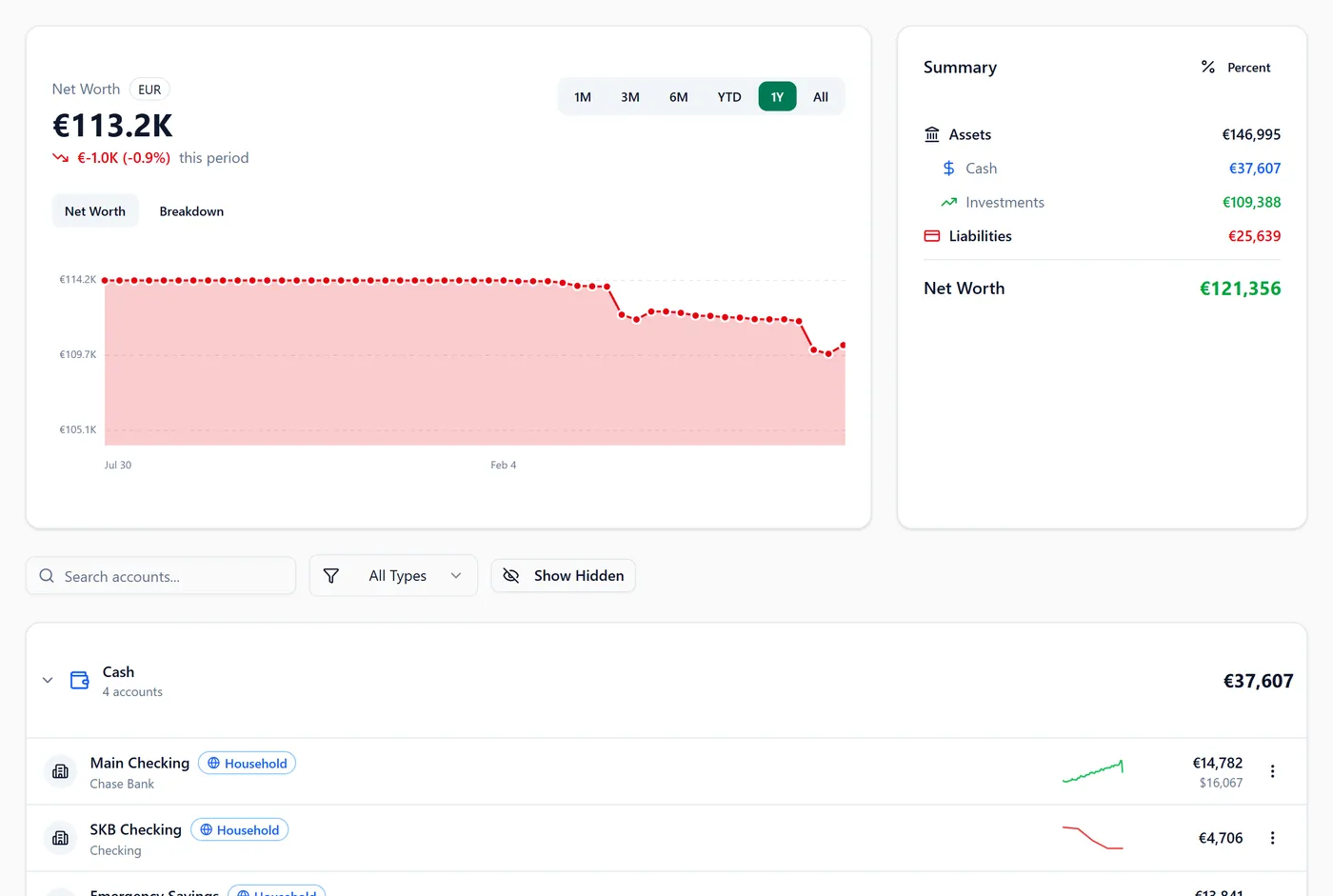
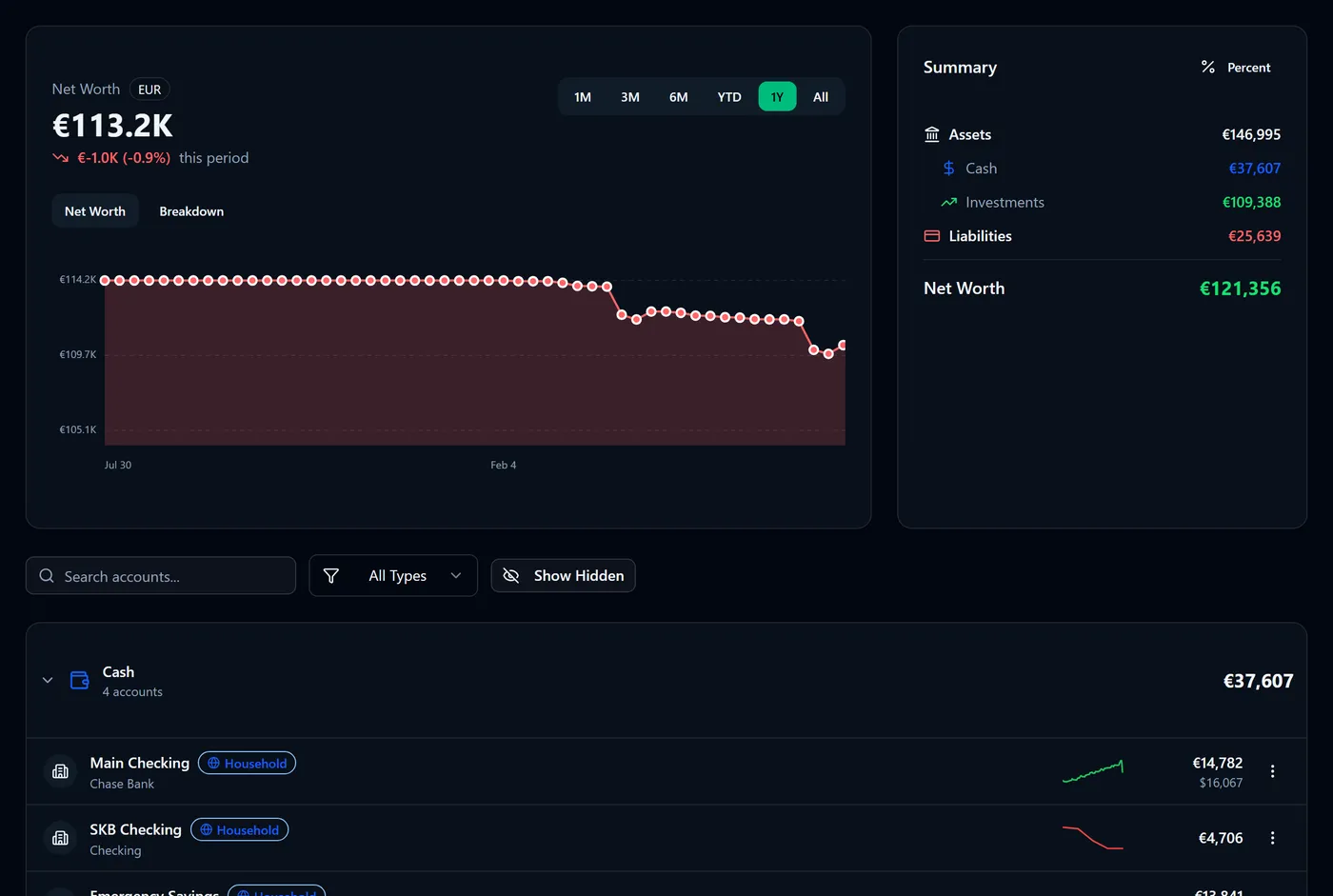
You'll see the account appear on the Accounts page, filed under Cash, Investments,
Liabilities or Other Assets according to the type you chose.
Tip: set your base currency before you add several accounts. New accounts default to it, which saves correcting each one. See How multi-currency works.
What the fields do
- Account Type decides whether the balance is treated as something you own or something you owe. Credit Card, Loan, Mortgage and Other Liability are debts; every other type counts as an asset.
- Currency stays with the account for good. Individual amounts always display in it; only totals are converted.
- Starting Balance and Balance Date are your opening position. Every transaction you add afterwards moves the balance from there.
- Credit Limit appears only for credit cards, and is used to show how much of the card you're using.
- Include in Net Worth is on by default. Turn it off for an account you want to track without it counting towards your total.
- Include in Budgets/Cash Flow controls whether this account's transactions count towards budgets and cash flow. It starts off for investment, real estate, vehicle and other-asset accounts, because their movements aren't day-to-day spending.
- Hidden removes the account from the main list without deleting anything.
Warning: choose the type carefully. It's what separates assets from debts in your net worth, so a loan filed as "Other Asset" makes you look richer than you are. You can change it later by editing the account.
If you're in a household
When you belong to a household the dialog gains a Household Sharing section. Visibility sets whether the account is Shared with the household or Private to you, and a private account can still contribute to household figures at the level of detail you choose.
See How account sharing levels work.
FAQ
How exact does the starting balance need to be? Exact enough that you trust it. If it's off, you can correct it later — see Fix a wrong account balance.
Should I add a credit card as a separate account? Yes. It has its own balance and its own transactions, and as a liability it belongs on the other side of your net worth.
What next? Get some transactions in, either by adding them by hand or by importing your bank's CSV.
Was this helpful?