Start here: set up Fyncora in 10 minutes
The shortest path from an empty account to numbers you trust — one account, some transactions, one budget, one goal.
Updated Jul 30, 2026
On this page
Fyncora works best when four things exist: an account, some transactions, a budget, and one goal worth aiming at. That's about ten minutes of work, and everything else builds on it.
You don't connect a bank. You decide what goes in — by typing it, or by importing a CSV your bank already gives you.
1. Set your base currency first
Open Settings → Finance → Preferences and set your base currency. Doing this first means every account you create afterwards defaults to the right currency.
Tip: individual amounts always keep their own currency later — the base currency only decides what your totals are expressed in. See How multi-currency works.
2. Add one real account
Open Accounts → Add account and add the account your daily money moves through. Give it the balance it has right now.
Start with one. A single accurate account beats five half-remembered ones, and you can add the rest whenever you like.
3. Get some transactions in
Two ways, and you can mix them:
- Import a CSV — download a statement from your bank and import it. This is the fastest way to get months of history in one go. See Import your bank's CSV.
- Quick-add — type transactions as they happen, which takes a few seconds each.
Aim for at least a few weeks of history. Budgets, reports and habit price tags all get more useful the more real data they have.
4. Set one budget
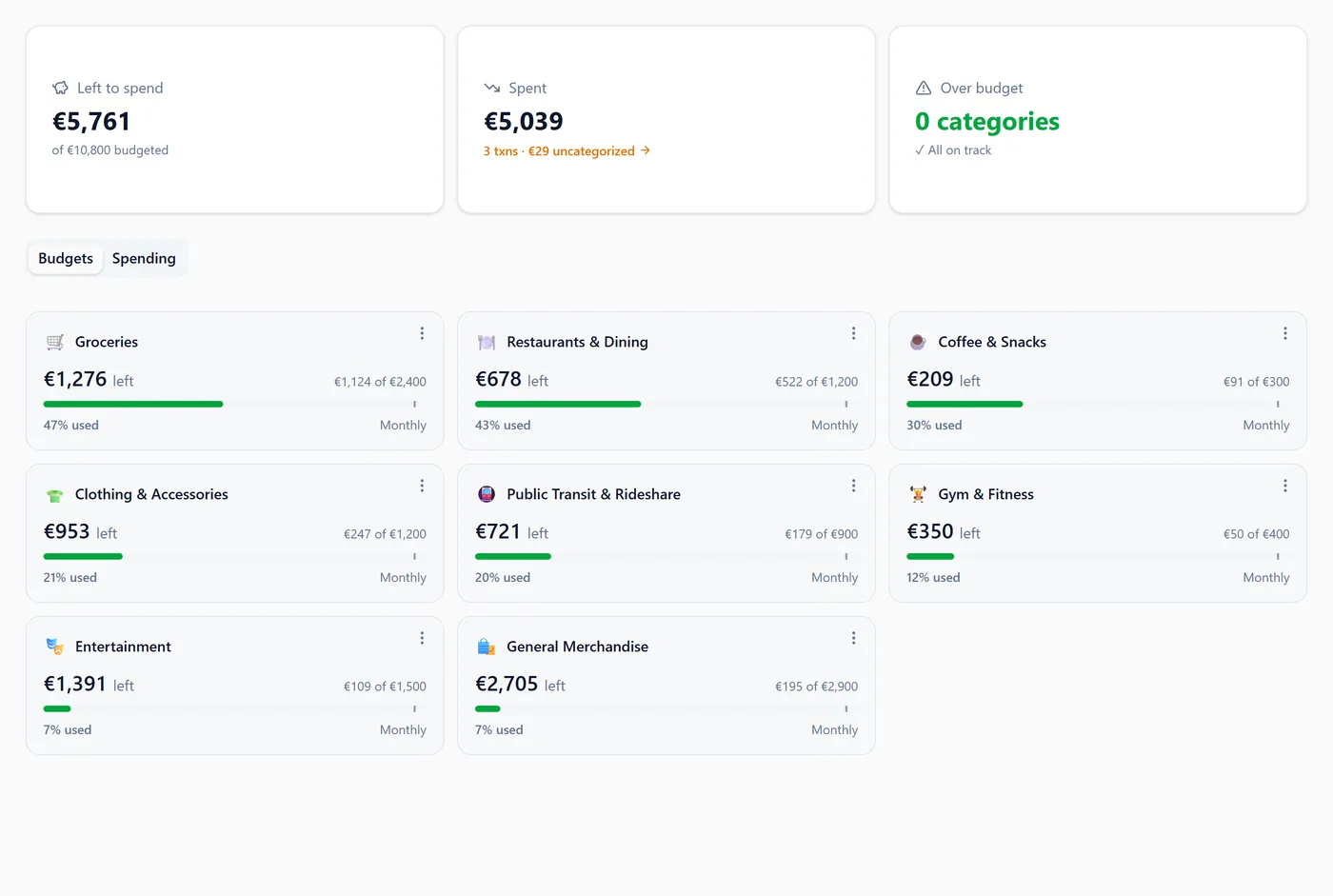
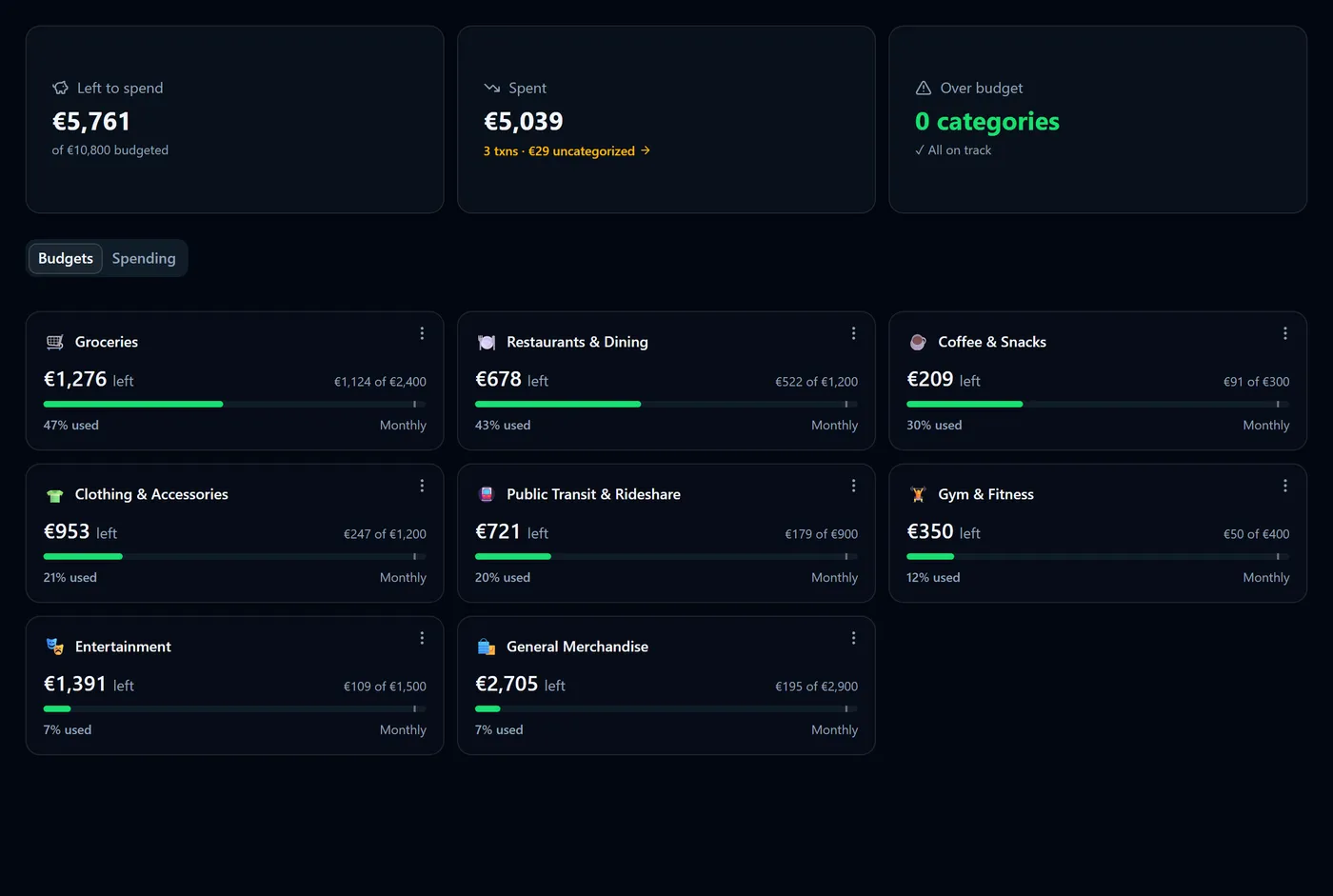
Open Budgets → Create budget and set a monthly limit for the category you most want to keep an eye on — usually groceries or eating out.
You'll see it appear with a progress bar and a pace marker showing where you should be this far into the month.
5. Name one goal
Open Plan → Goals → New goal and create the thing you're actually saving for. Link it to the account holding the money and Fyncora tracks it automatically — no manual updating.
You'll see a projected arrival date, and what to add per month to hit a date you choose.
What to do next
- Turn on the honest savings measure: How the Keep Rate works
- Find out what a habit costs you: How habit price tags work
- Coming from another app? Switch from Mint, YNAB, Monarch or Copilot
Note: prefer to look before you type anything? The live demo is a full app filled with realistic sample data, no sign-up required.
Was this helpful?